Fastest
Play in your browser
Tap the button in the browser you already use, sign in, and start a round straight in the browser.
- The phone stays as it is, with the game one tap away
- Useful on a shared or low-storage handset
Built for one thumb
The Tower Dash app from our partner puts the game behind a home-screen icon, and the same game also runs in a mobile browser. On a phone the tower fills the tall side of the screen and the cash out button sits within thumb reach.
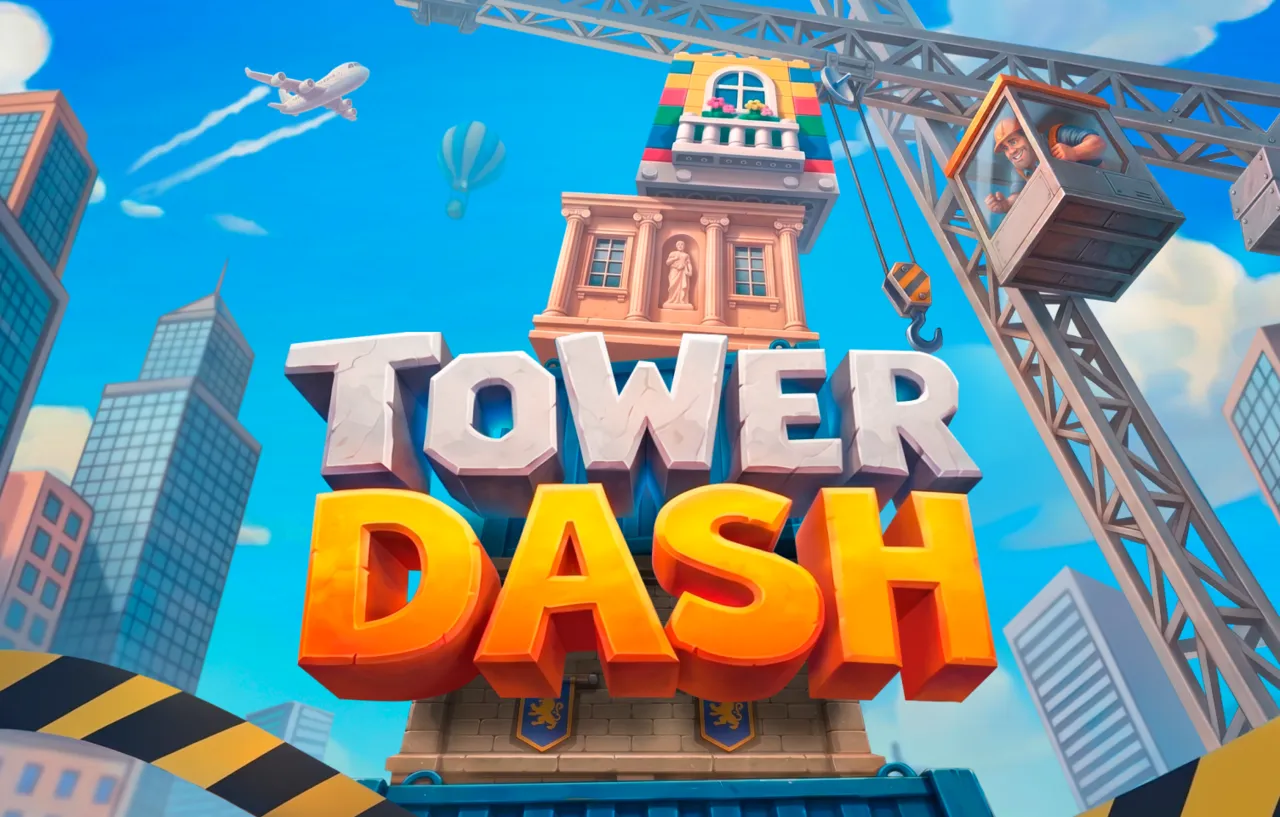
Tower Dash is an instant tower-building game from InOut Games, played as a short round with a crane, a stack of blocks and one tap per block.
The app opens your account, and the game loads inside it.
Return to player: 95.5%, an average across a very large number of rounds.
Both use the same operator account. The choice depends on the phone and on how often you play.
Fastest
Tap the button in the browser you already use, sign in, and start a round straight in the browser.
Everyday
Sign in on the operator page, then take the install it offers. The icon lands on your home screen and the game starts from there.
Both routes open the same game on the same operator account.
The game is the same on a handset. The difference is how close each control sits to the thumb.
The ladder of multipliers sits beside the tower and moves up when a block is placed. On Easy a sample round starts at x1.01, x1.04 and x1.09.
Read it after a landing and watch the crane during a drop.
On a phone held in portrait the button sits within thumb reach, so ending a round takes the same effort as continuing it.
Manual only, offered after each placed block.
One tap on Play releases the block. A fallen block ends the round, so a mistimed tap on a moving train costs the same as one at a desk.
On a desktop the Space key drops the block instead.
The setting is picked before the round, along with the stake. Easy allows up to 40 blocks, Medium 38 and Hard 35, and the chance of placing a block changes with it.
Chosen per round.

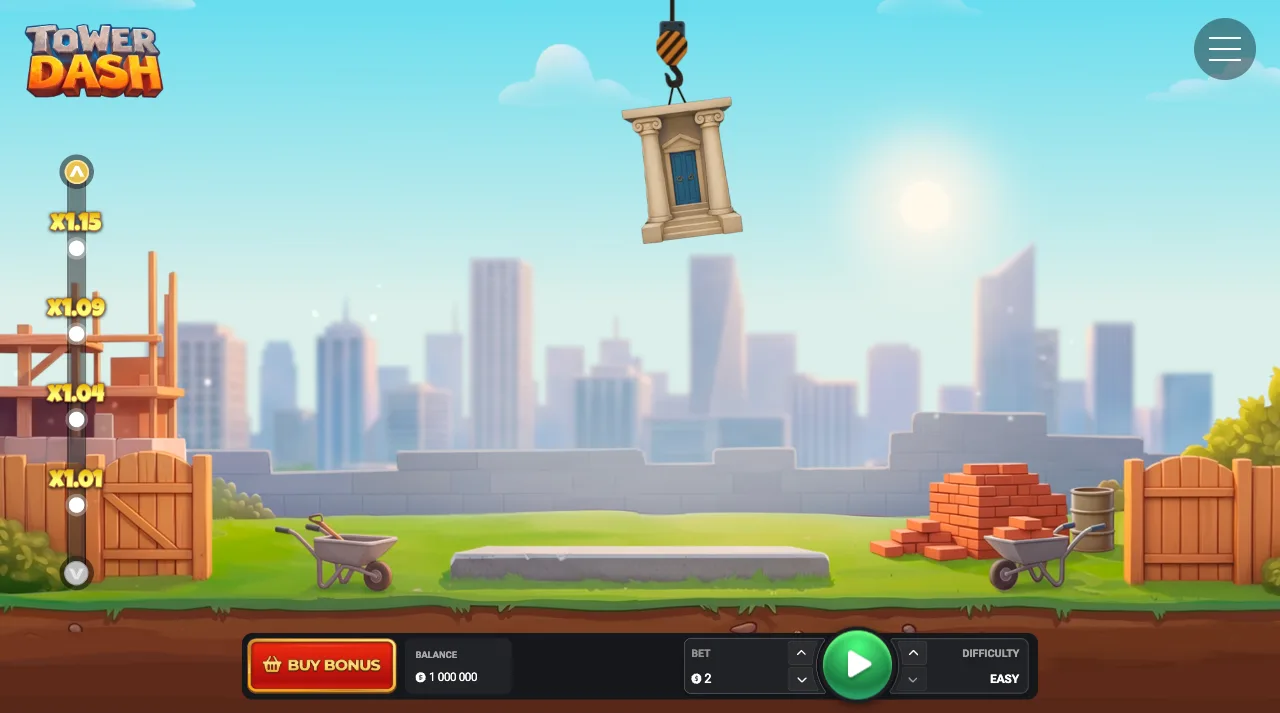
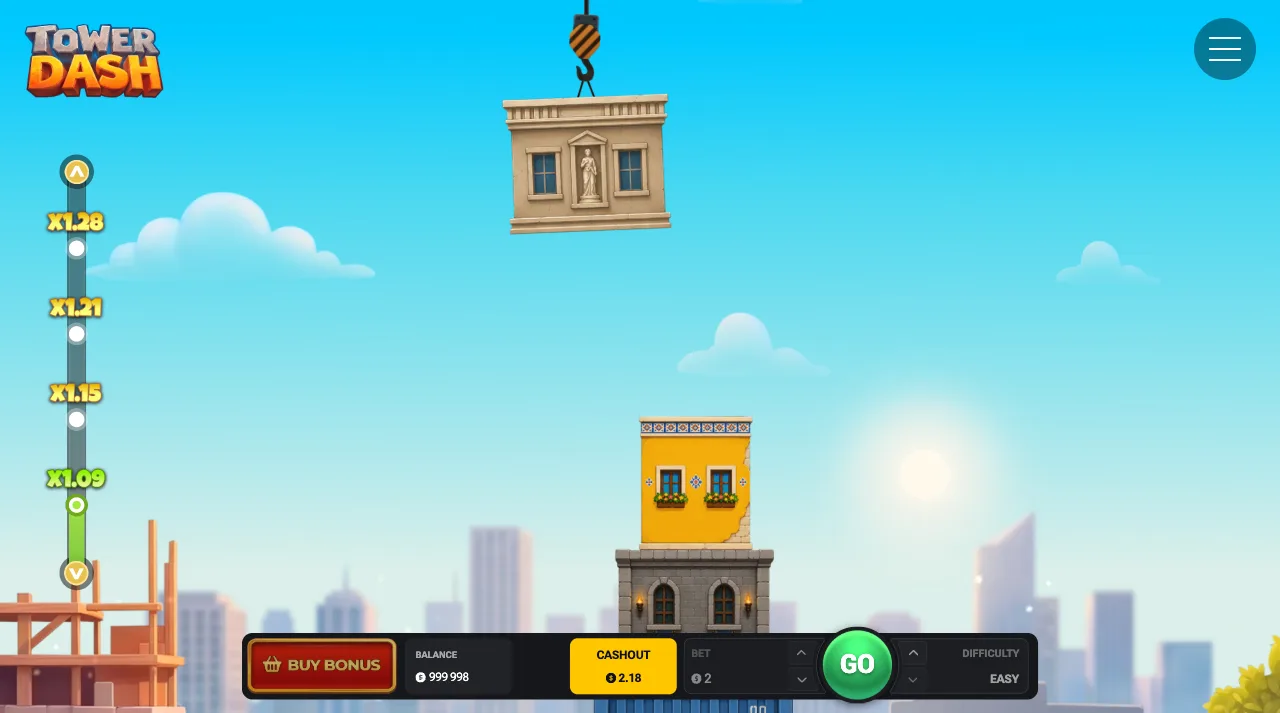
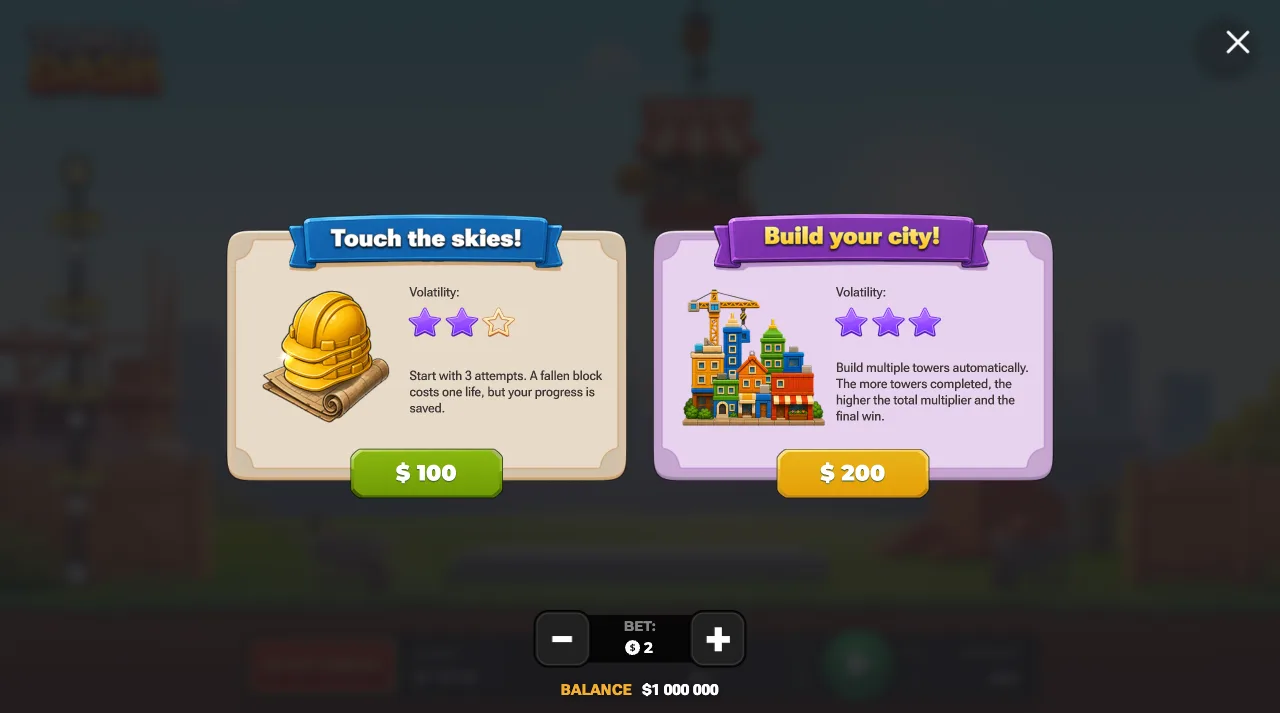
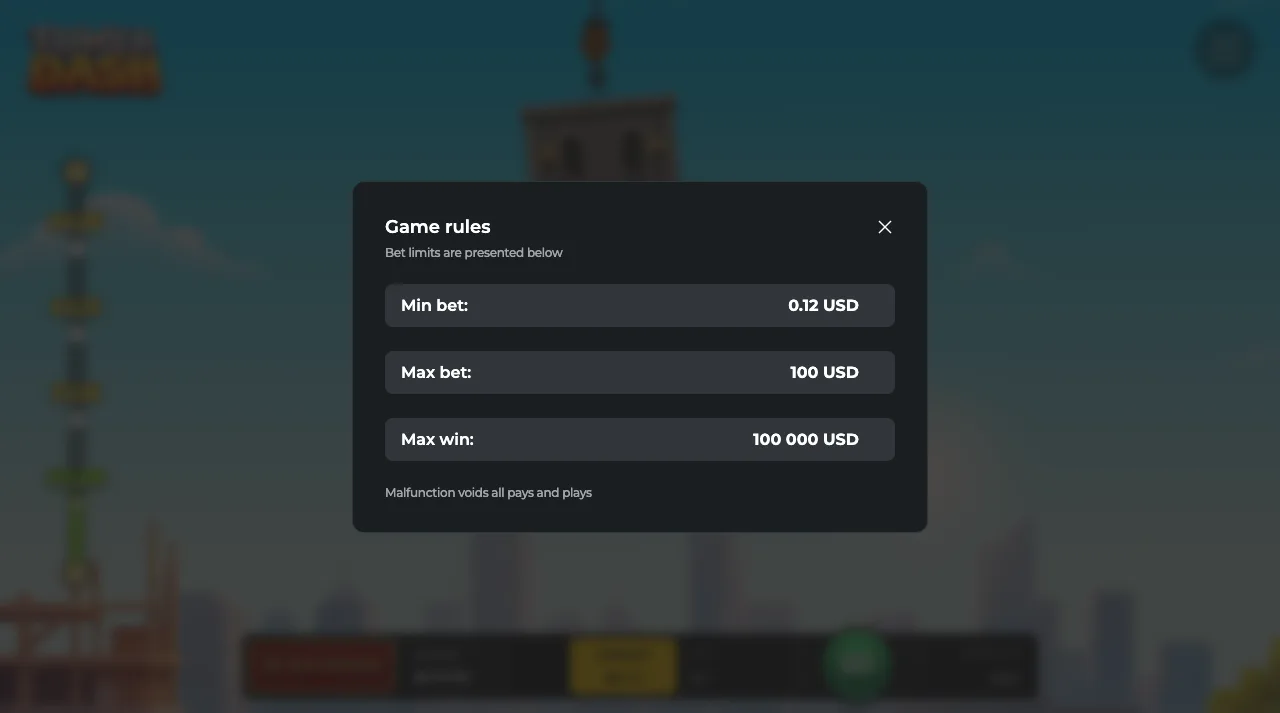
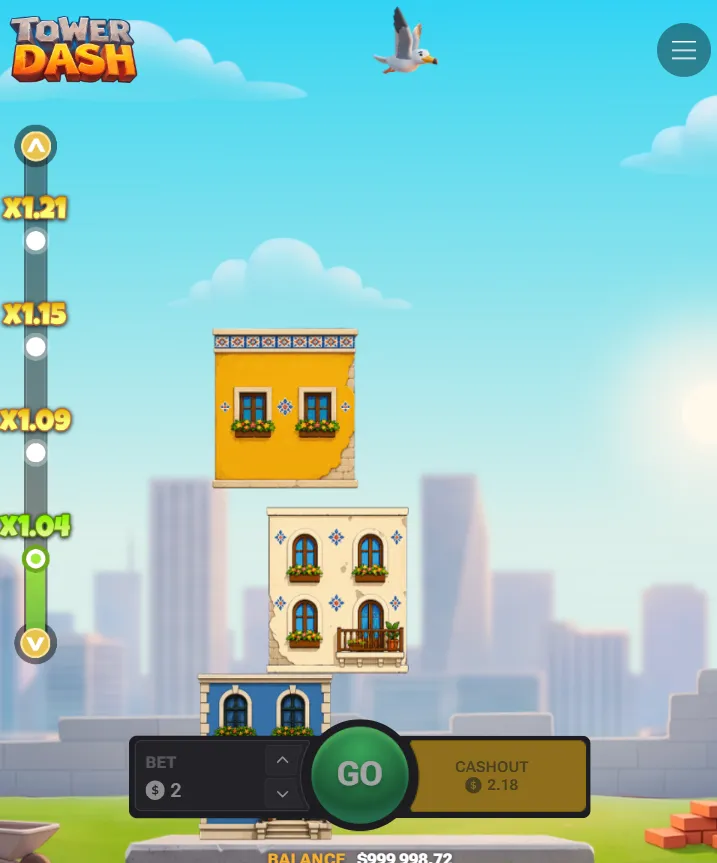
The five steps of a first round, in order.
Choose an amount that suits your session budget. The game accepts bets from 0.12 to 100 USD.
Easy, Medium or Hard is picked before the round. Easy allows the tallest tower, 40 blocks, and is a reasonable setting for the first few rounds.
Decide the block number you will cash out on before the round starts, before any multiplier is on screen.
Tap once as the block swings over the centre of the stack. A placed block moves the multiplier up and the next block arrives.
Press cash out at the number you chose. The round ends and the multiplier showing at that moment is paid.
The same five steps apply in the browser, on a tablet and on a laptop, and the free demo on the play page lets you rehearse them.
The game loads from the partner operator in every case, so the question is how you prefer to open it.
| Handset | How you get in | Worth knowing |
|---|---|---|
| Android phone | The installed app, or the mobile browser | The APK page covers the Android sequence tap by tap. |
| iPhone | Open on iPhone in Safari | The iOS page covers this route. |
| Older or budget handset | Play in the mobile browser | Plays in the browser and keeps storage free. |
| Shared or work phone | Browser, signed out when you finish | Keeps the home screen as it is. |
Every row uses the same operator account. For the smoothest play, InOut Games recommends iOS 14+ or Android 10+, 4 GB of RAM and 100 MB of free storage.
Four steps, all on the partner's side, and the install takes a minute or two.
It opens the partner operator's page.
An existing account signs in as usual. A new account is the same one you would use in the browser.
Accept the confirmation your phone shows and let the install finish.
The icon appears on your home screen. Open it and search for Tower Dash by name. Check that the provider shown is InOut Games.
To skip the install, the browser card above reaches the same game.
Real money
The operator account holds the balance and the history, whichever way the game is opened.
Register with the operator, confirm your details and complete the checks it asks for.
Deposit the amount you planned for the session.
If the account offers a deposit limit, set it before the first staked tower.
Short answers about getting the game onto a phone and keeping it usable.
One tap away
After the operator install, the game opens from the home screen. Keep the stake small until the swing of the crane is familiar.
Tower Dash asks for one input and gives you one number to watch. That is a small demand on a screen, which suits a handset.
A tall phone screen suits a tower that grows upwards. The stack rises into space you already have, the multiplier stays above it, and the two controls you need are the Play button and the cash out button.
Phone rounds are short enough to fit into a lift ride, so setting the stake and the limit beforehand, while sitting still, keeps every session relaxed.
The app comes from our partner, and it takes the browser out of the session. The icon opens the account, the account opens the game, and the number of taps between deciding to play and dropping a block goes down.
A game that is easy to open gets opened more often, so the icon suits regular players. For a reader who prefers a lighter routine, a browser tab keeps the game one step further away.
Otherwise, get the Tower Dash app on your phone and let the install finish. The game behind the icon is unchanged: the same crane, the same four mechanics and the same 95.5% return figure, because both routes open the same game.
Hold the phone so your thumb rests naturally near the lower third of the screen. The cash out button is there, so ending a round is a short reach.
Drop blocks with deliberate taps. On a handset the best taps follow a full look at the swing of the crane.
Between rounds, look at the balance. The multiplier describes one round, and the balance shows how the session is going.
Name your exit block before you start. The multiplier at that block will look small early in the round and large later, so a number fixed in advance is easier to keep.
A call, a message or a station announcement in the middle of a tower is a good reason to cash out and close the game.
A deposit limit set in the operator account, where one is offered, is enforced by the operator. It keeps working at any hour, which a limit kept in your head cannot match. To check what your account offers, sign in and look for the limit setting before the first real-money round.
On a shared handset, a work phone or a device short on storage, the browser is the better route. Sign in, play, and sign out when you finish. The home screen stays untouched.
A tab is also the way to try the game for the first time. The free provider demo on the play page runs in the same mobile browser on a fun balance of 1 000 000, so the swing can be learned for free. After that, play Tower Dash in your browser and decide about the home screen later.
InOut Games recommends iOS 14 or Android 10 and newer, a 2.0 GHz dual-core processor, 4 GB of RAM, 100 MB of free storage, a 1080 x 1920 screen and a stable 4G, 5G or Wi-Fi connection. A phone that meets these figures runs the app and the browser comfortably. If the signal drops mid-round, the game settles the round from the last placed block, and your bet history shows the result once you reconnect.